
Go live and share the board
Preview the public board, choose Go Live, then share the page or put the projector board on a TV.
Before you begin
A generated tournament that you are ready to share.

- 1
Keep Draft private
Floor actions do not change status. The banner remains until you choose Go Live.
The Go Live banner shows while the event is Draft or Registration. Status changes only when you choose Go Live. - 2
Preview public board
From Bracket, choose Preview public board before making the event Live.
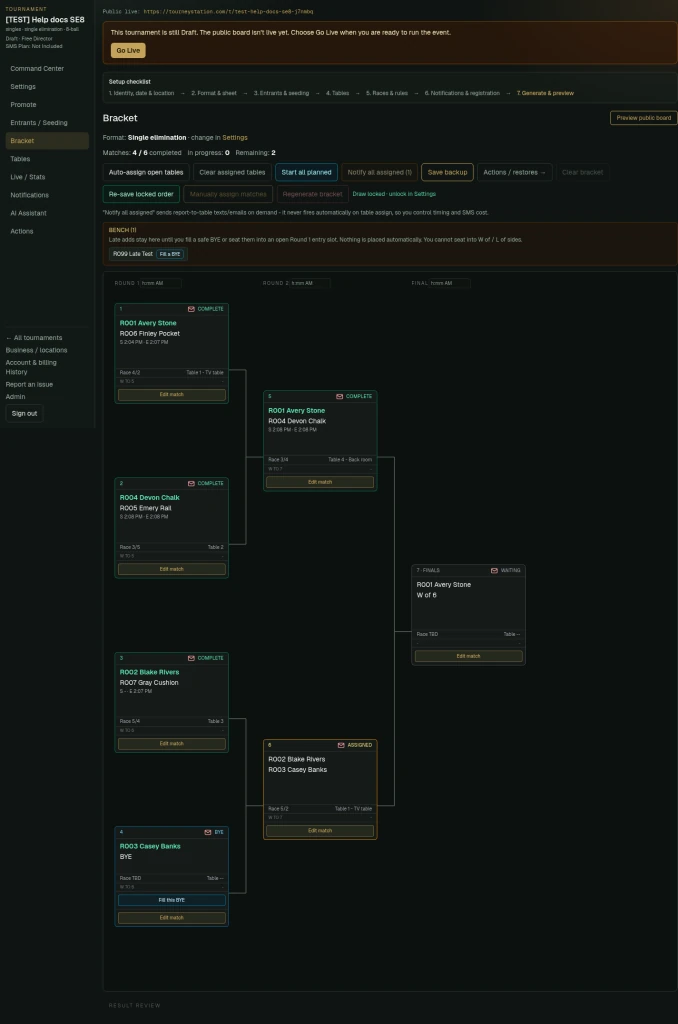
A late add waits on the bench. Use Fill this BYE on an open first-round bye. - 3
Choose Go Live
Use the Go Live button on the banner when the event is ready. Going Live does not send messages.
- 4
Share the public page
Use the Public live: link shown at the top of director pages, or share /t/<slug>. Visibility decides whether it is Private - link only, My board only, or listed on TourneyStation.com.
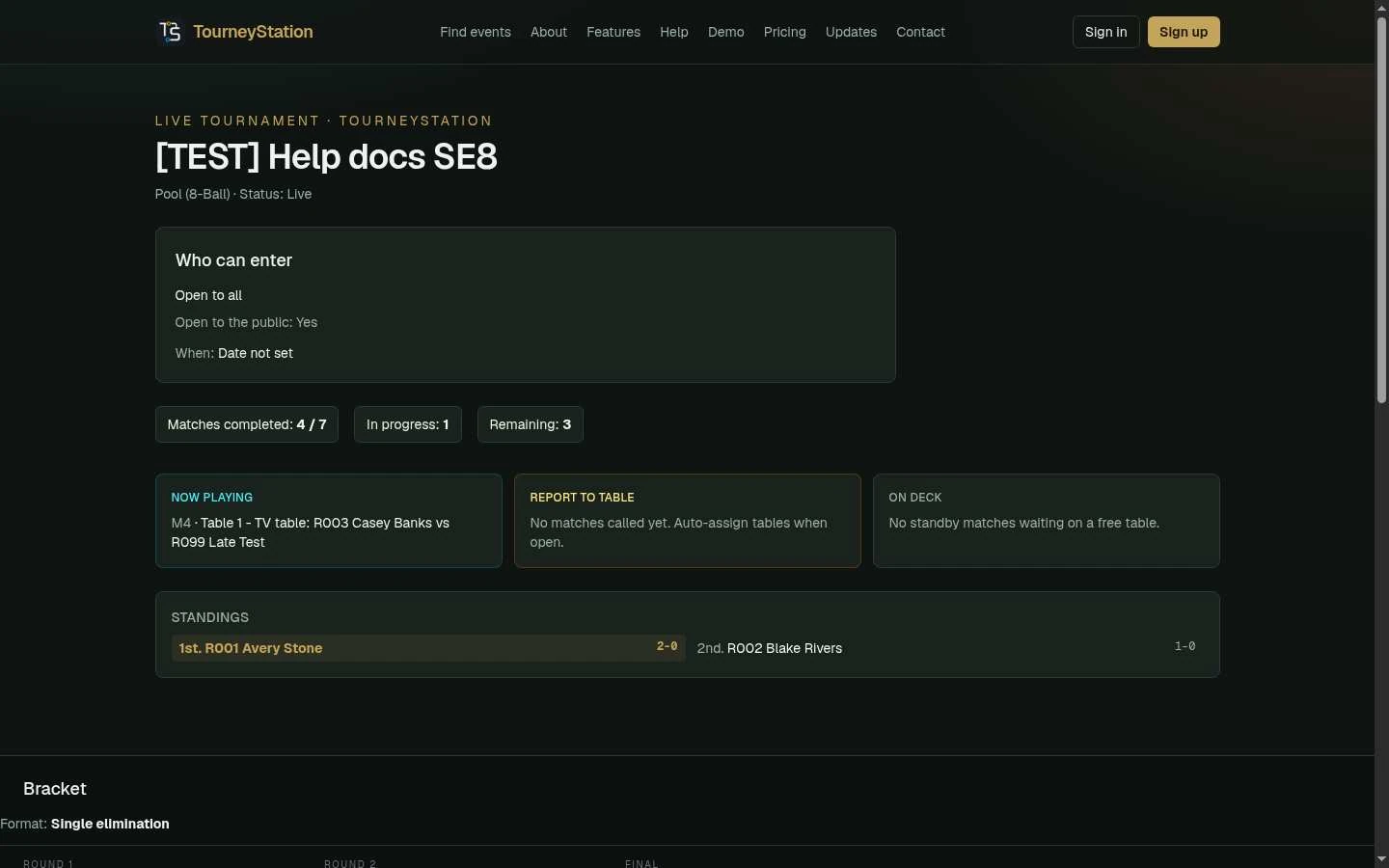
The public tournament page once the event is Live: progress, now playing, standings and bracket. - 5
Put the board on a TV
Open /t/<slug>/board in a browser on the TV or casting device. The projector board shows Now Playing, Report to Table, and On Deck.
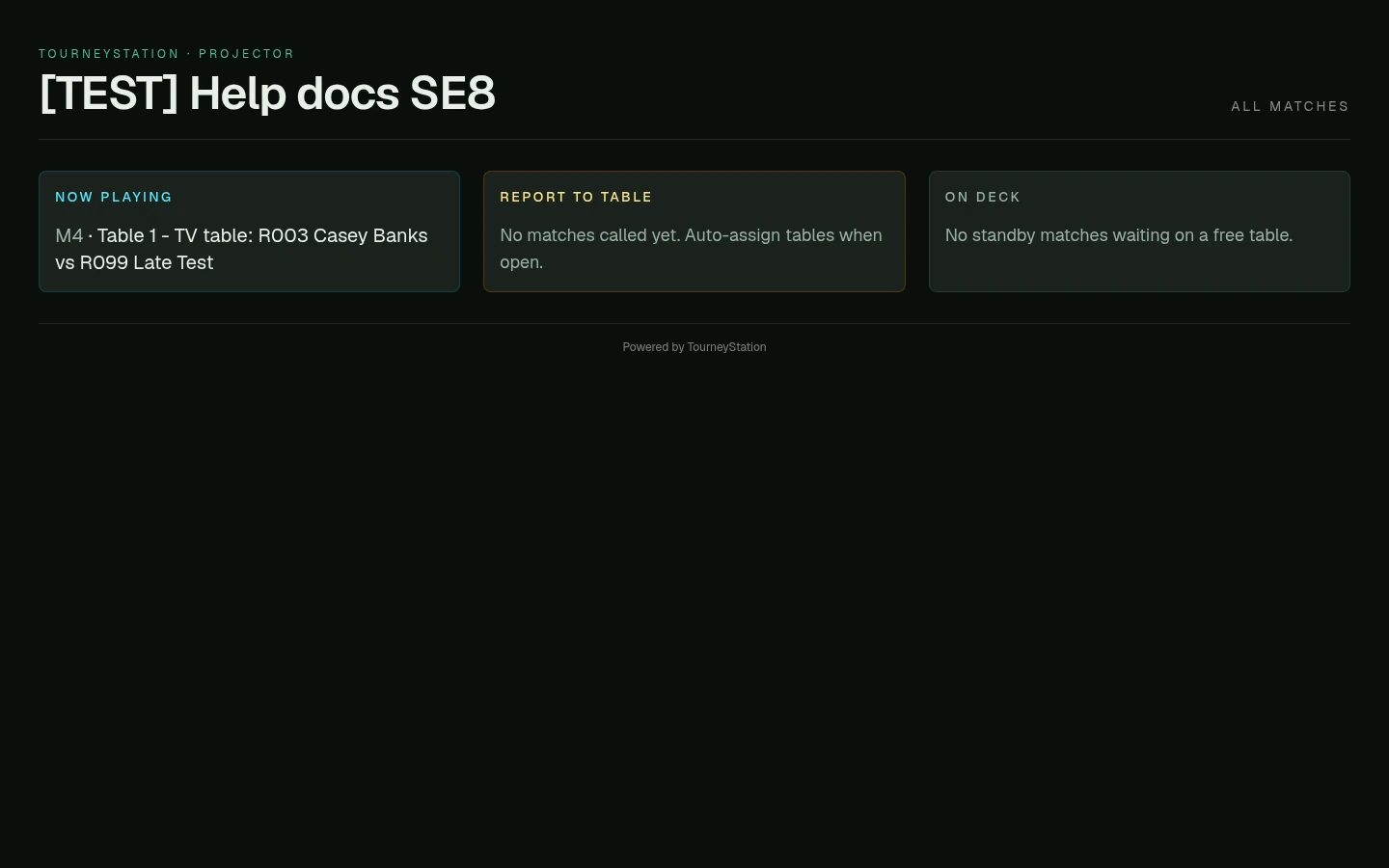
The projector view for a TV or casting device shows Now Playing, Report to Table and On Deck. - 6
Use it on a phone
The same projector board responds to a phone-sized screen.
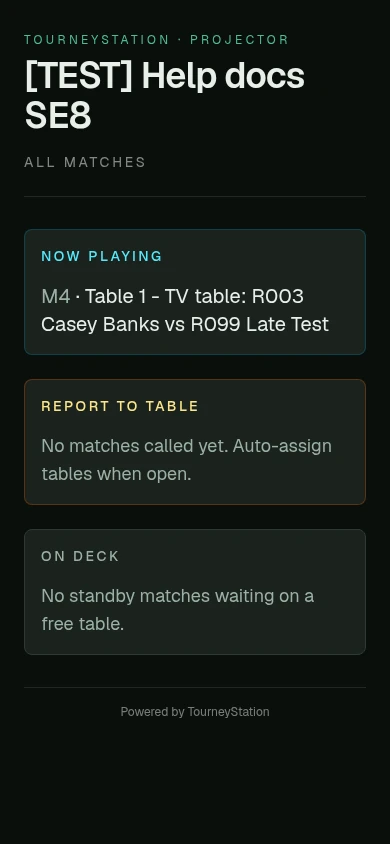
The board on a phone.
What to check afterward
Spectators see live status without an account.