
← All guides
Ask the AI Assistant
Use a read-only assistant for check-ins, matches, tables, and current tournament status.
Before you begin
A Director or Venue plan. The assistant is shown in tournament navigation only when the account is eligible.
- 1
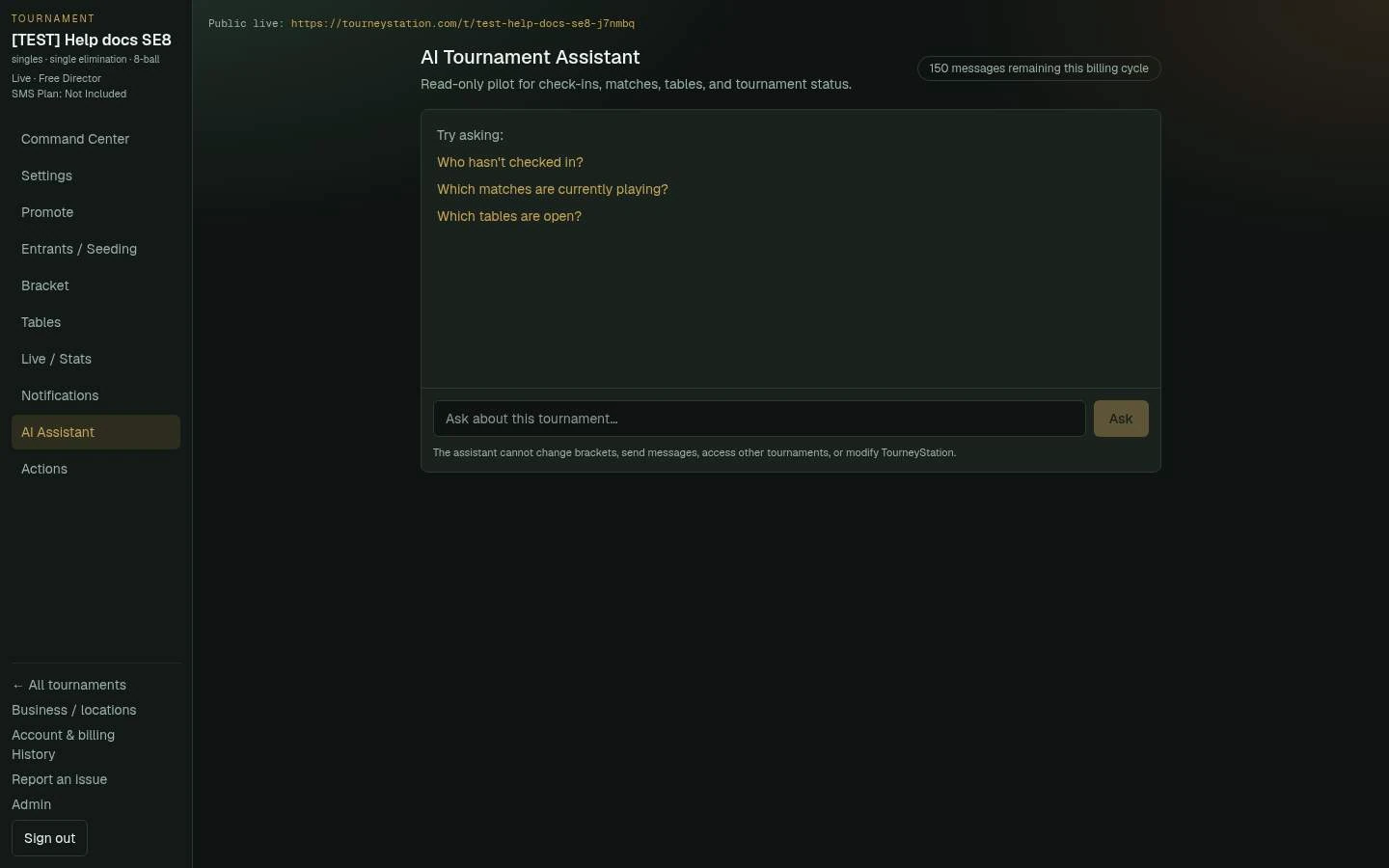
Open AI Assistant
Choose AI Assistant in the tournament navigation.
The AI Assistant answers read-only questions about the current tournament and shows how many messages remain. - 2
Ask operational questions
Ask about check-ins, matches currently playing, free tables, and tournament status.
- 3
Understand the limit
Director includes a monthly allowance of 50 messages and Venue includes 150. Failed attempts are not counted.
- 4
Keep control with the director
The assistant is read-only. It cannot change brackets, send messages, access other tournaments, or modify TourneyStation.
What to check afterward
You get an answer about the current tournament without delegating operational changes.